Web3 Sign
Sign messages, typed data, and transactions with your Fystack wallet. Requests can only be created through the SDK or API. See the Web3 Sign API docs for endpoints and examples.
Review pending requests
Open Approval in the sidebar, then select DApp Transaction. Web3 signing requests awaiting approval appear here.
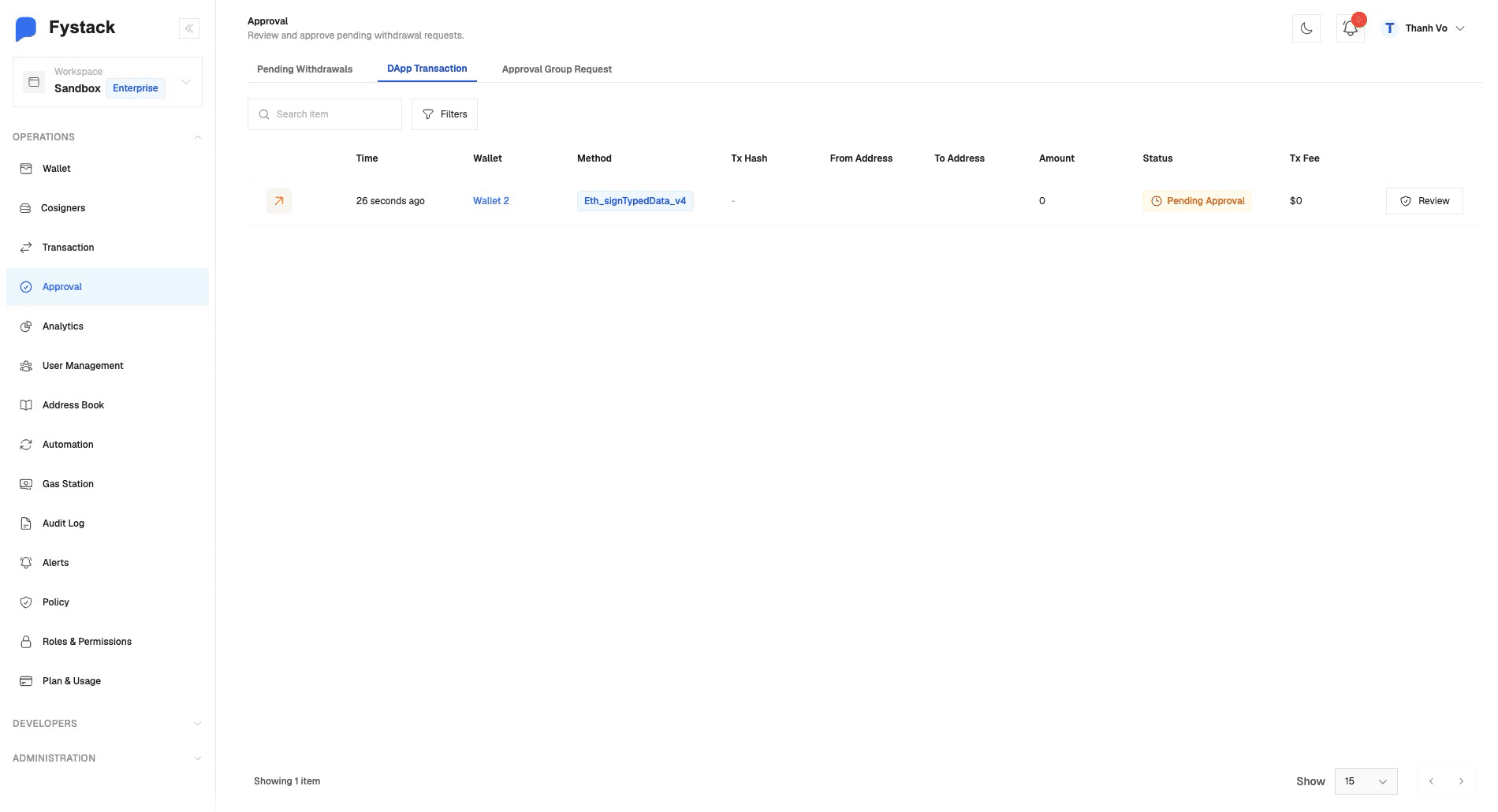
Click Review beside a request to inspect it before approving or rejecting it. Signing proceeds once the required approvals are met.