快速入门
本指南将帮助你快速上手 Fystack API:一个集安全 MPC 钱包创建与交易管理于一体的平台。
读完本指南,你将清楚地知道如何使用 Fystack 构建安全、可扩展的加密应用。
Get your API key
Sign up on the Fystack platform to create API keys and start making requests.
在向 Fystack API 发起请求之前,你需要先从控制台获取 API key。你可以在 API Keys 下找到它。
👉 按照以下简单步骤开始:
1. 登录你的工作区
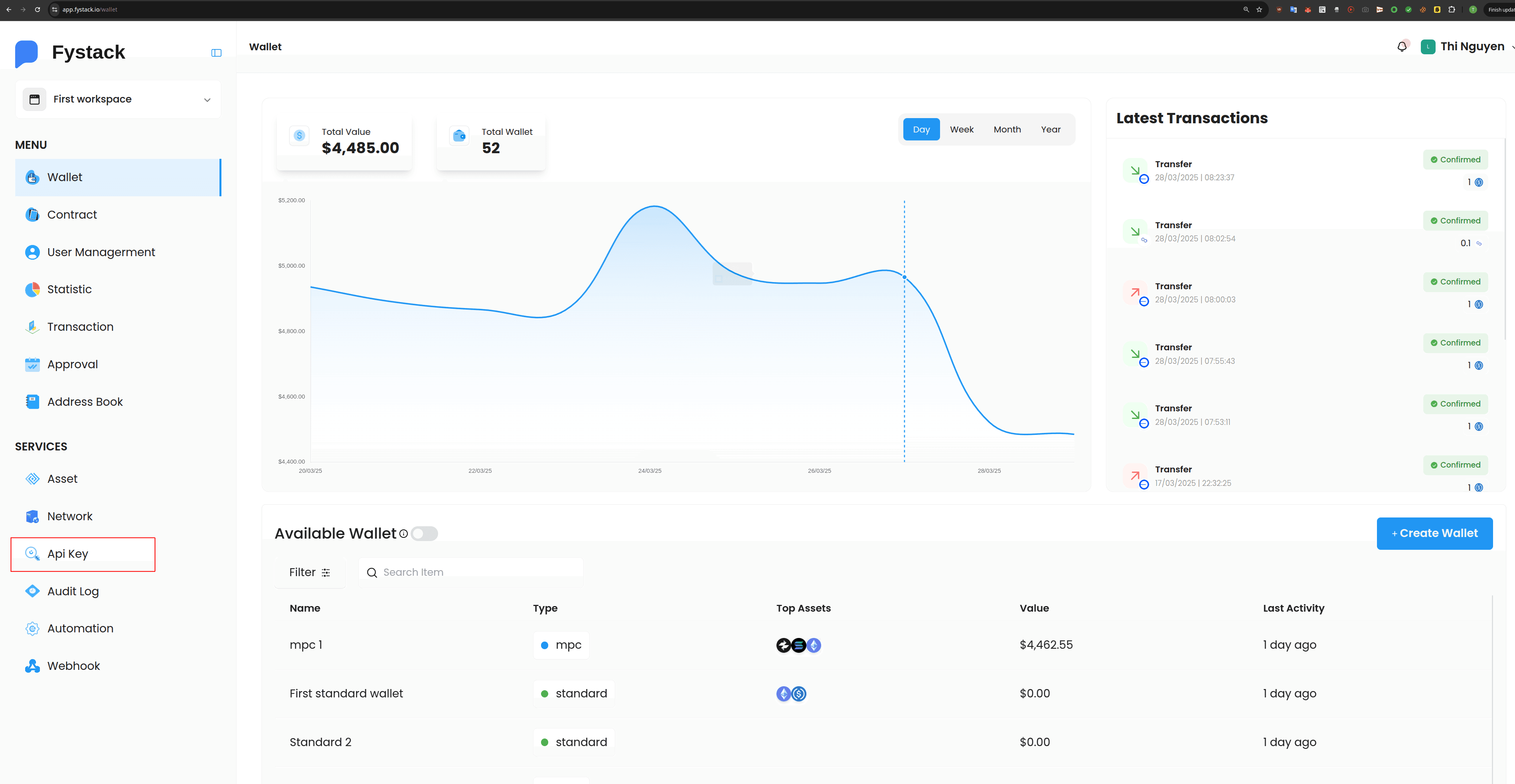
2. 获取你的 API Key
使用你的 API key 对 Fystack API 发起安全且经过身份验证的调用。
你的 key 以工作区为作用域,并支持 IP 白名单和策略执行。


3. 安装 SDK(可选)
使用我们官方的 TypeScript、JavaScript 或 Go SDK 实现无缝集成:
npm install @fystack/sdk
go get github.com/fystack/platform-sdk-go
4. 创建你的第一个钱包
使用 API 或 SDK,只需几行代码即可创建你的第一个 MPC 钱包,
无需管理私钥。
SDK
import { FystackSDK, Environment } from "@fystack/sdk"const apiCredentials = {apiKey: process.env.API_KEY,apiSecret: process.env.API_SECRET}const sdk = new FystackSDK({credentials: apiCredentials,environment: Environment.Sandbox,logger: true})const { wallet_id } = await sdk.createWallet({name: 'MPC wallet 1',walletType: WalletType.MPC})
5. 完成首次充值并监控
SDK
const response = await sdk.getDepositAddress(wallet_id, AddressType.Evm)console.log(response)
{
    "address": "0xb71e841C003735F58f7A264c92DcDE6E6b9d6e4e",
    "qr_code": "https://quickchart.io/qr?size=300&margin=2&text=0xb71e841C003735F58f7A264c92DcDE6E6b9d6e4e"
}
下一步
很好,你已经配置好 API 客户端,并向 API 发出了第一个请求。以下链接可以帮助你进一步探索 Fystack API: